
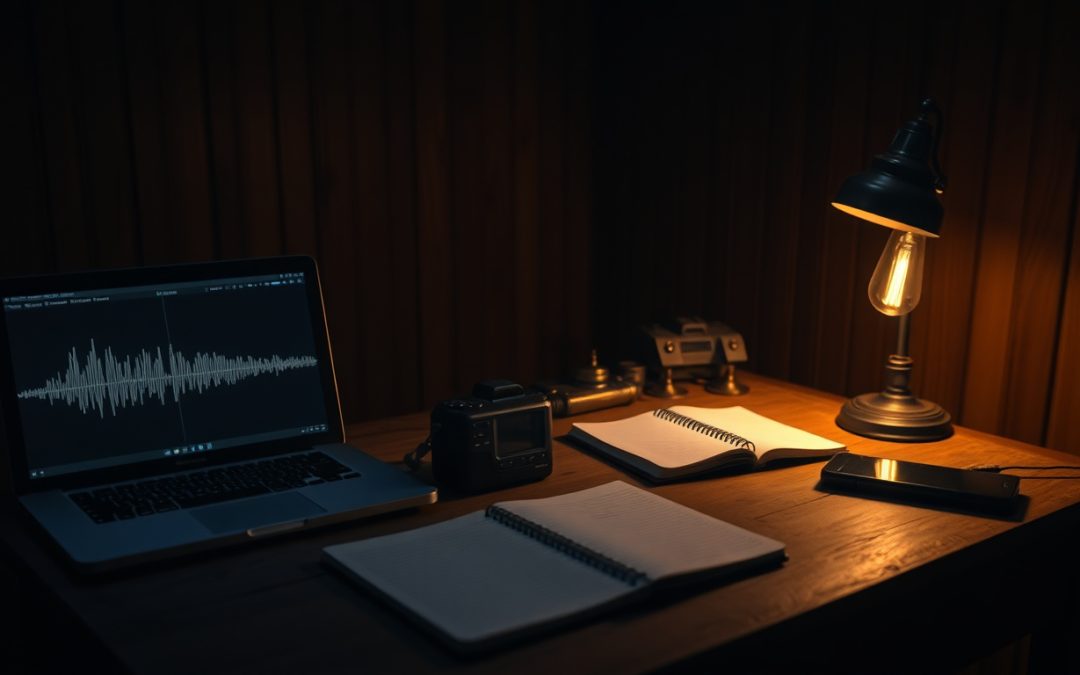
Walk into most claimed hauntings today and you’ll see at least one person holding up a phone, watching an app spit out words on a screen or blinking colored dots that supposedly mark “energy.” It looks like data. It feels like progress. But if you take paranormal research seriously, the tool in your hand matters less than the question you’re asking of it: can this show me what actually happened, or is it just producing something dramatic to look at?
That question sits at the heart of the desktop-versus-mobile debate. Mobile ghost hunting apps are everywhere, cheap or free, and easy to run. Desktop paranormal software is slower to learn and less flashy. The two aren’t really competitors so much as tools for different jobs, and confusing them is one of the more common mistakes in modern field investigation.
Let’s apply the Lodestra Razor from the start: before we credit any device or app with catching something extraordinary, we rule out the ordinary. That principle happens to be the cleanest way to tell a genuine investigative tool from a toy.
What Mobile Ghost Hunting Apps Actually Do
Most ghost hunting apps fall into a few categories, and understanding the mechanism behind each one tells you a great deal about their value.
“Word generator” and ghost-box apps
These display words on screen or read them aloud, supposedly influenced by a nearby presence. In reality, the overwhelming majority draw from a built-in dictionary and surface words using an internal algorithm. Some claim to respond to sensor input, but a phone’s sensors have no plausible way to encode language. When you hear a relevant-sounding word, you are almost certainly experiencing two well-documented effects at once: the app’s random or pseudo-random selection, and your own brain’s tendency to find meaning in noise. That second effect has a name — apophenia — and it is powerful enough that even skeptics fall for it.
EMF and “sensor” apps
A phone does contain a magnetometer, which is a real magnetic-field sensor used for the compass. In principle an app can read it. In practice, that sensor is designed for orientation, not scientific measurement. It is uncalibrated for field-strength readings, easily thrown off by the phone’s own electronics, and wildly inconsistent between devices. An app showing “high EMF” tells you almost nothing reliable, because the instrument was never built for the claim being made.
Camera “detector” overlays
Apps that draw skeletons or figures over the camera feed are, without exception, novelty software. They place graphics on screen using motion or face-detection logic. They do not detect anything paranormal, and reputable makers usually say so in the fine print.
None of this means phones are useless. A phone is a competent audio recorder, a decent camera, and a handy notepad. The trouble begins when an app dresses up entertainment as evidence.
Where Desktop Paranormal Research Software Earns Its Keep
Desktop paranormal software takes the opposite approach. Instead of generating a result in the field, it helps you examine what you already captured, slowly and carefully, after the adrenaline has worn off. That shift — from real-time thrill to after-action review — is where honest paranormal investigation actually lives.
Consider a suspected electronic voice phenomenon, or EVP. In the moment, a faint sound feels enormous. Days later, on a large screen with proper software, you can look at the waveform, isolate the segment, slow it down, and check whether the “voice” is a radio bleed, a stomach growl, a creaking floorboard, or genuinely unexplained. Good EVP analysis software keeps the original file untouched while you work, so your enhancements never contaminate the source. That non-destructive workflow is the difference between reviewing evidence and accidentally manufacturing it.
Tools like the DeadAir Audio Analyzer Pro are built around exactly this idea: import or record field audio, isolate and slow a clip, mark and classify a possible EVP event, and document the whole process so someone else can retrace your steps. Notice what it does not do — it does not tell you a sound is a spirit. It gives you the means to argue, with evidence, that a sound is or isn’t ordinary.
Screen size and honest looking
There’s a mundane but real advantage to desktop work: you can actually see the material. A questionable shape in a photo, viewed on a phone at 2 a.m., invites the imagination. The same image at full resolution on a monitor often resolves into a coat hook, a lens flare, or a smudge. Photo analysis software that lets you inspect metadata, zoom into a region, and compare original against enhanced versions — as the PhantomCapture Photo Analyzer is designed to do — turns “I think I see a figure” into a documented comparison anyone can evaluate.
Real-Time Capture vs. Careful Analysis
The cleanest way to frame the whole debate is this: mobile tools are mostly about the moment, and desktop tools are mostly about the evidence.
Real-time capture matters. You want to record while things are happening, and a phone in your pocket is often the fastest way to start recording audio or video before a fleeting event passes. There’s nothing wrong with using a phone as a capture device. The mistake is trusting a phone app to interpret that capture for you on the spot, under stress, in the dark, when your judgment is at its least reliable.
Analysis is where conclusions are earned, and it belongs on a desktop for practical reasons. Video is the clearest example. A single “shadow moving across the hall” clip needs to be stepped through frame by frame, brightened without altering the original, and checked against mundane causes — headlights sweeping a window, an investigator’s own reflection, a moth near the lens, compression artifacts in dark footage. Software like the PhantomFrame Pro Video Analyzer exists for this kind of scrutiny, with frame stepping, movement detection, motion heatmaps, and an A/B view that keeps your enhancements honest against the raw source. That level of examination is simply not something you do credibly on a phone screen while standing in a cold basement.
The History Behind the Method
None of this is new thinking. The instinct to analyze rather than react runs straight through the history of parapsychology. When the Society for Psychical Research was founded in the nineteenth century, its investigators built their reputation partly by exposing fraud and ordinary explanation — testing mediums, documenting conditions, and refusing to take a dramatic display at face value. The lasting lesson from more than a century of formal research is not that spirits were proven. It’s that careful documentation, controlled conditions, and a willingness to say “this was ordinary” are what separate research from wishful thinking.
Mobile apps, at their worst, invert that legacy. They deliver the dramatic display and skip the documentation. Desktop paranormal research software, at its best, restores the old discipline: slow down, look closely, write down what you did, and let someone else check it.
Building a Responsible Workflow
Here’s a practical way to combine both worlds without fooling yourself.
- Capture in the field, analyze at the desk. Use reliable recorders — a phone is acceptable — to gather clean audio, video, and photos. Resist the urge to “confirm” anything on site.
- Log conditions as you go. Note temperature, drafts, nearby electrical sources, plumbing, traffic, and every person present. Half of all “anomalies” are explained by something you’d have known if you’d written it down.
- Preserve originals. Never overwrite or edit your source files. All enhancement should happen on copies, in software that keeps the raw version intact.
- Rule out the ordinary first. For each piece of evidence, list the mundane explanations before the extraordinary ones, and try to eliminate each with evidence rather than opinion.
- Document the whole case. Tie witnesses, location history, room readings, evidence, and debunks together so your conclusion can be traced back to its sources.
That last point is where a proper case manager matters. A structured case file — the kind the Paranormal Case File Manager is built to hold — keeps the first client call, the field notes, the analyzed clips, and the final report in one place. And when the layout of a location matters, mapping the scene rather than describing it from memory helps you show exactly where something happened. A conclusion that can be retraced is a conclusion worth defending.
So Which One Should You Use?
If you’re doing serious paranormal research, the honest answer is that mobile apps are fine as capture and note-taking aids and mostly worthless as interpreters. The blinking lights and screen-fed words are not evidence; they’re entertainment that happens to run on the same hardware you use for legitimate recording.
Desktop paranormal software is where the real work of investigation gets done — where a startling clip either survives scrutiny or reveals itself as a draft, a reflection, or your own imagination. Neither tool proves anything supernatural on its own. What good software gives you is the ability to make an honest case, one that respects the witness, respects the evidence, and never claims more than the data supports.
The genuine mystery, if there is one, will still be there after you’ve ruled out everything ordinary. That’s the whole point of doing it carefully. If you want to see how rigorous review actually works in practice, explore the field methods and tools at Lodestra and build a workflow you can stand behind.